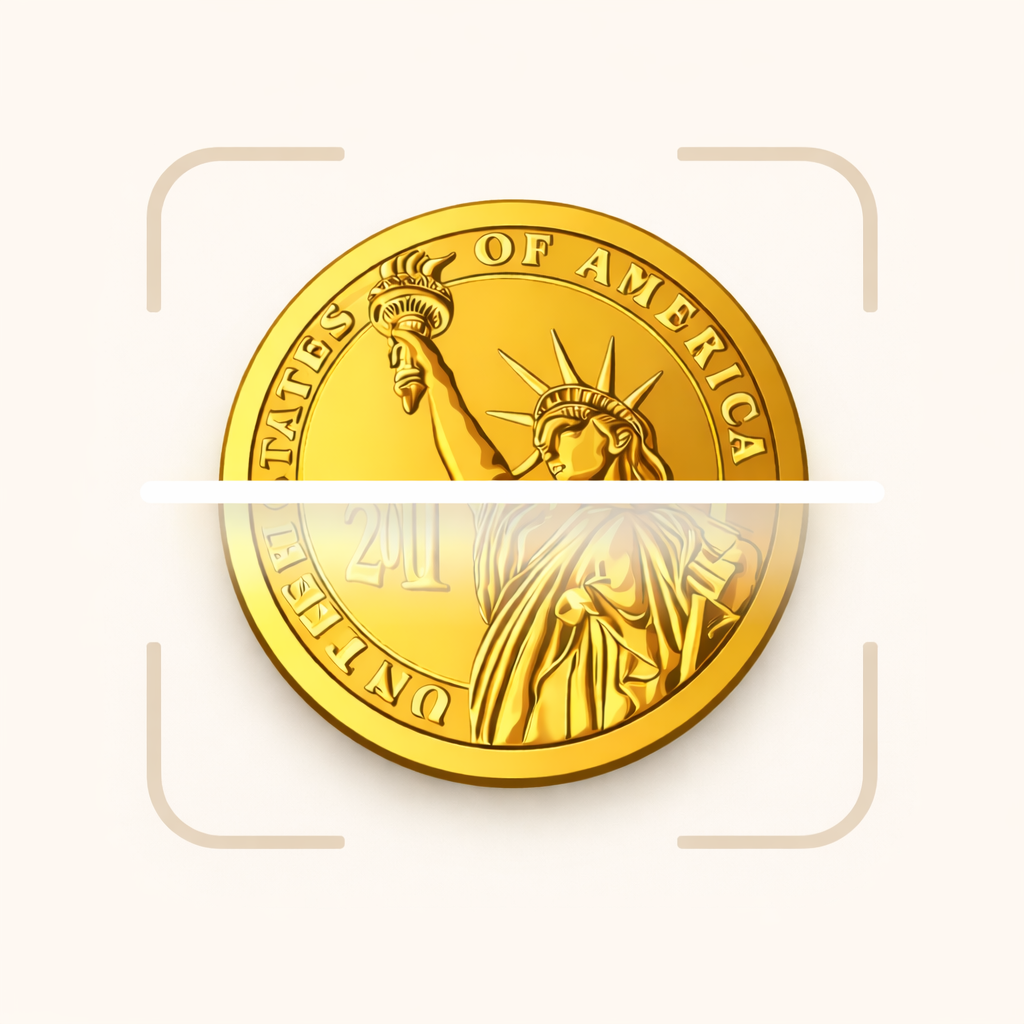
Best Coin Identifier App: How to Identify Coins by Photo
Learn how a coin identifier app can scan a coin photo, detect country, year, denomination, mint mark, and help estimate coin value.
Found an old coin? A coin identifier app helps you scan a coin with your phone and find details such as country, year, denomination, mint mark, and estimated value. Numis is designed for beginners and collectors who want to identify coins and save them into a digital collection.
What is a coin identifier app?
A coin identifier app uses a photo of your coin to match visible details against known coin designs. Instead of searching by trial and error, you can start with the image and then confirm the important fields: country, denomination, year, mint mark, metal, and design.
This is useful when a coin has unfamiliar text, an old currency name, a worn date, or symbols you do not recognize.
What details can a coin scanner detect?
A good coin scanner should help you identify the details collectors use first:
- Country or issuing region
- Denomination, such as 10 Pfennig, 50 Pence, 1 Cent, or 2 Euro
- Year or date range
- Mint mark, when visible
- Obverse and reverse design
- Metal and basic physical details
- Estimated value range
For better results, scan both sides of the coin. Many coins share one side across several years or mints, while the other side contains the detail that changes the identification.
Can an app tell you what a coin is worth?
A coin value app can give an estimated value range, but it should not be treated as a certified appraisal. Coin value depends on the exact coin, condition, mint mark, rarity, demand, and recent sales.
The app can help you answer the first question: “What coin do I have?” Once you know the country, year, denomination, and mint mark, you can compare your coin against value guides and recent market examples more accurately.
Found an old coin?
Scan it with Numis to identify the country, year, mint mark and estimated value.

Why condition and mint mark matter
Two coins with the same date can have very different values. A worn circulation coin may be common, while a high-grade example with sharp detail can sell for much more. Mint marks can also separate common issues from harder-to-find varieties.
For German coins, marks such as D, F, G, and J identify different mints. For US coins, letters such as D and S can point to Denver or San Francisco. Always check small letters near the date, denomination, or design.
How to take a better coin photo
Use bright, even light and place the coin on a plain background. Keep the camera parallel to the coin so the shape is not distorted. Avoid glare, heavy shadows, and angled photos.
If the coin is worn, take more than one photo. A slight change in lighting can make the date, mint mark, or edge lettering easier to read. Do not clean the coin before scanning, because cleaning can reduce collector value.
Save your coins after scanning
Identification is only the first step. Saving your scan helps you build a digital collection with the coin name, year, mint mark, notes, and estimated value range. This makes it easier to compare duplicates, track discoveries, and revisit coins when you learn more.
Start with the app, then explore guides such as how to identify old coins, German coin values, and the Germany coin guide.
FAQ
What is the best app to identify coins?
The best coin identifier app should scan both sides of a coin, show the country, year, denomination, mint mark, and give a cautious value range. It should also let you save coins into a collection.
Can I identify a coin from a photo?
Yes. A clear photo can often identify the coin type, country, denomination, and design. Some results still need manual confirmation, especially when the date or mint mark is worn.
Can a coin scanner app identify rare coins?
It can help flag details that matter for rarity, such as year, mint mark, variety, and condition. A rare or expensive coin should still be checked against recent sales or reviewed by a qualified dealer or grading service.
Does cleaning a coin help the scanner?
No. Cleaning can damage the surface and reduce value. Use better lighting instead of cleaning the coin.